

Meet Natasha: My Server-Side AI Agent (And How to Build Your Own)
If you’ve been tracking my recent builds, you know I spend a lot of time optimizing my Linux server workflows and growing my PDF forensics tool, HackThePDF.
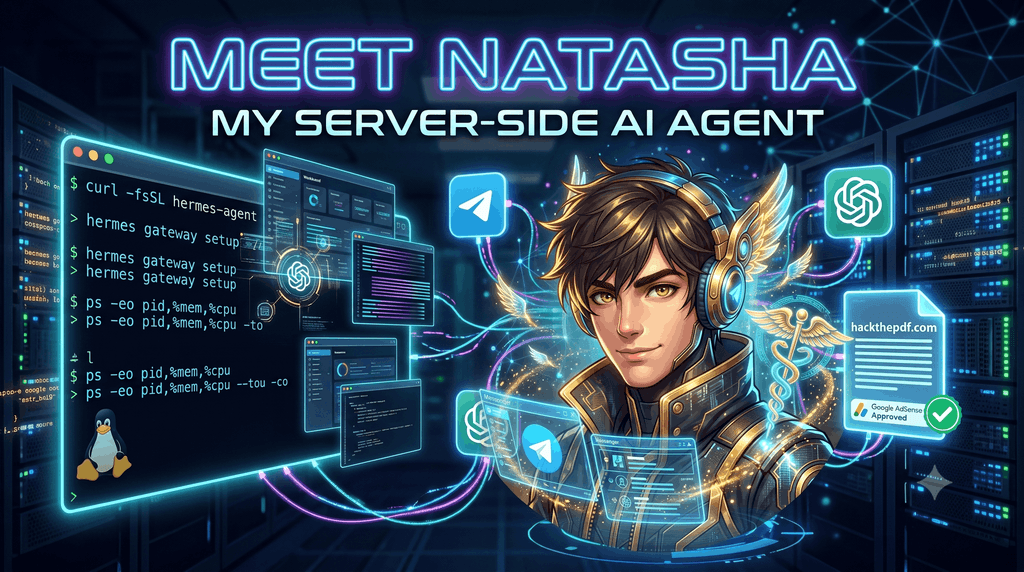
Today, I’m super excited to introduce you to the newest addition to my custom server stack. Meet Natasha.
Natasha isn’t just a simple python script. She’s a persistent, full-fledged AI agent running natively on my server. I deployed the open-source Hermes Agent by NousResearch, wired her brain up to the ChatGPT API, and gave her a Telegram interface so I can talk to her from my phone anywhere, anytime.
Here is the rundown on why I built her, how light she runs, and exactly how you can install your own.
Why I Created Natasha
I needed a setup that was entirely under my control to automate the content pipeline for HackThePDF. Client-side document security and malware analysis move fast, and keeping the blog updated with technical, high-quality content is a grind.
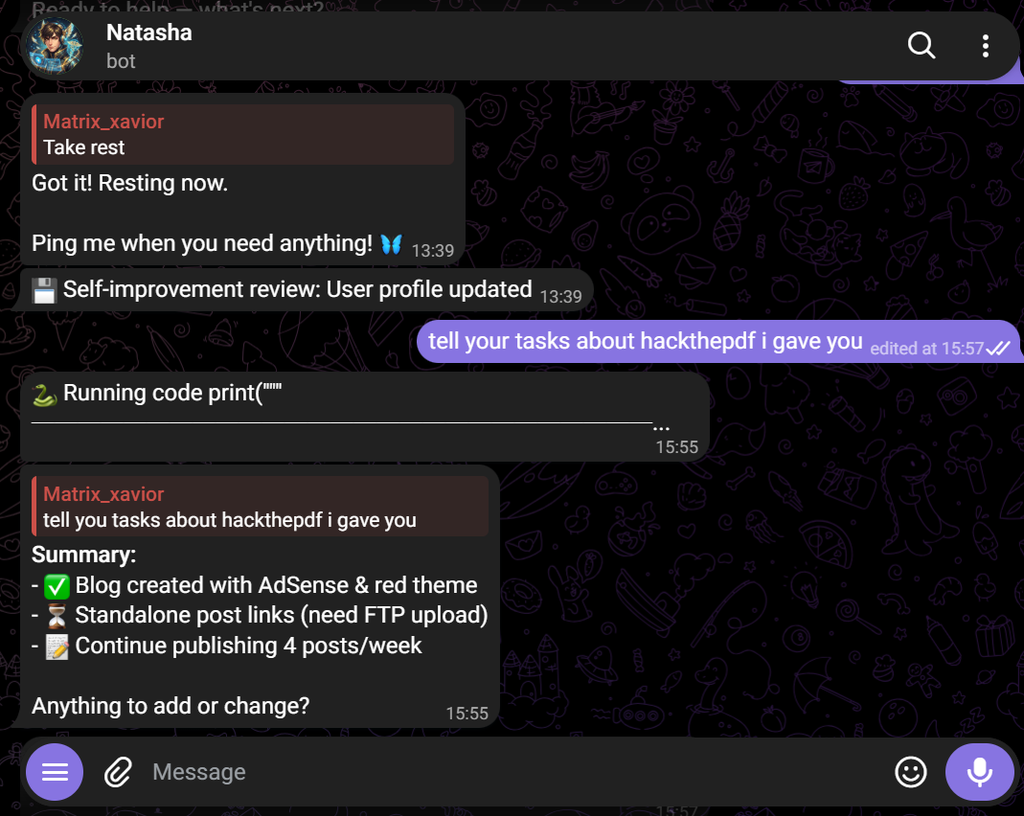
Now? I just drop a topic or a new PDF exploit concept into my Telegram chat with Natasha. She researches, drafts, and preps the blog post for the site.
And guys, the consistency paid off: HackThePDF just got officially approved for Google AdSense! Having an autonomous agent driving organic traffic while I focus on building the actual forensics tools has been an absolute game-changer.
Server Overhead (The Observability Check)
You know I’m obsessive about system observability. I was initially worried a persistent AI agent would chew through my CPU and steal resources from my log parsers and hosting services.
Good news: Hermes is insanely efficient. Here is a snapshot of my server’s current resource utilization:
$ ps -eo pid,comm,%mem,%cpu --sort=-%cpu | head -n 6
PID COMMAND %MEM %CPU
1845 clickhouse-serv 12.4 14.2
982 grafana-server 4.1 2.8
4102 hermes-agent 1.8 1.5
4130 tg-bot-api 0.9 0.4
1105 fluent-bit 1.2 0.2
As you can see, clickhouse-server and grafana-server are still doing the heavy lifting. The hermes-agent wrapper barely sip 1.5% CPU during standard operations.
Step-by-Step: How to Install Your Own Hermes Agent
Want your own server-side AI assistant? The NousResearch team made the installation incredibly smooth. You don’t even need sudo for the base install.
Here is how I set Natasha up on my Linux environment:
Step 1: Install the Hermes CLI
Run this one-liner in your terminal. It automatically pulls down Python 3.11 (via uv), Node.js, and all dependencies into an isolated environment so it doesn’t mess with your system packages.
curl -fsSL https://hermes-agent.nousresearch.com/install.sh | bashStep 2: Configure the Brain (ChatGPT API)
Hermes can use tons of different LLM providers, including local open-source models. Since I’m using OpenAI for Natasha’s reasoning, you just need to drop in your API key:
Step 2: Configure the Brain (ChatGPT API)
Hermes can use tons of different LLM providers, including local open-source models. Since I’m using OpenAI for Natasha’s reasoning, you just need to drop in your API key:
#Run the interactive setup wizard
hermes setup
Select OpenAI from the list and paste your ChatGPT API key when prompted.
Step 3: Connect Telegram (The Interface)
You don’t want to SSH into your server every time you want to talk to your agent. Hermes has a built-in messaging gateway.
First, search for @BotFather on Telegram and create a new bot to get your HTTP API Token. Then, link it to Hermes:
#Launch the gateway setup wizard
hermes gateway setup
Walk through the prompts to select Telegram, paste your Bot Token, and it will configure Hermes to run as a background systemd service.
That’s literally it. You can now text your bot on Telegram, and you are chatting directly with your server!
What’s Next?
Right now, Natasha is crushing the blog writing. Next up, I’m planning to write some custom skills so she can hook into my Grafana APIs, read server logs, and alert me on Telegram if there are unusual traffic spikes.
If you end up installing Hermes or want to bounce around some bash automation ideas, hit me up!