

Catching Hackers with Observability (Yes, Your Logs Are Snitching)
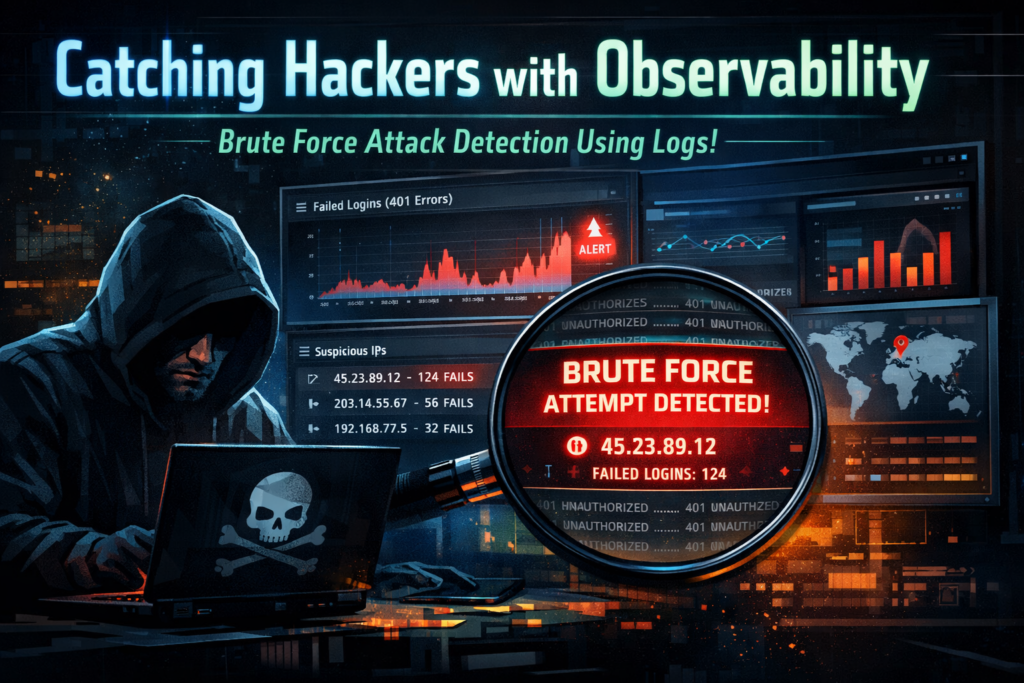
Security tools scream!! Observability tools silently judge!!!
And guess what? Hackers hate silent judgment.
Let me show you how a simple observability setup can expose brute-force attacks without any fancy SIEM, skull logos, or 10,000 alerts.
The Problem: Login Page Under Attack
Imagine this:
- Your app is running fine
- Suddenly, login failures spike
- Error code: 401
- Same IP
- Same API
- Same bad intentions
Your monitoring says:
“Everything is up”
But your logs are screaming:
“BRO, SOMEONE IS GUESSING PASSWORDS!”
Observability Thinking (Not Security Thinking)
Instead of asking: ❌ “Is this an attack?”
Ask: ✅ “Is this behavior normal?”
Normal users:
- 1–3 login failures
- Different IPs
- Calm life
Attackers:
- 100+ failures
- Same IP
- No chill
Example Log (What You Already Have)
{
  "timestamp": "2026-01-01T10:10:12Z",
  "endpoint": "/api/login",
  "status": 401,
  "ip": "45.23.89.12",
  "user": "admin"
}
Looks innocent?
Multiply this by 500 times in 2 minutes 😬
Simple Detection Logic (Python)
Here’s a basic brute-force detector using observability logs:
from collections import Counter

FAILED_THRESHOLD = 20  # be kind, not stupid

ips = []

for log in logs:
    if log["endpoint"] == "/api/login" and log["status"] == 401:
        ips.append(log["ip"])

attackers = Counter(ips)

for ip, count in attackers.items():
    if count > FAILED_THRESHOLD:
print(f"Possible brute-force attack from {ip} ({count} failures)")- No signatures
- No threat feeds
- Just behavior
What to Show in Your Dashboard
Create a simple design panel:
- Failed login count (401)
- Grouped by IP
- Time window: 5 minutes
- Highlight anything > threshold
Boom 💥 You’ve built security detection using observability.
Why This Is Funny (And Powerful)
Hackers think:
“They only monitor uptime”
Observability says:
“I saw you try password123 for the 87th time.”
Security tools panic…… Observability connects the dots.